 LuckyTools
+9k
By Editors
For Editors
 v26+ Only


SUPPORTED BY
Busco Editor
LuckyTools for
Creative Editors
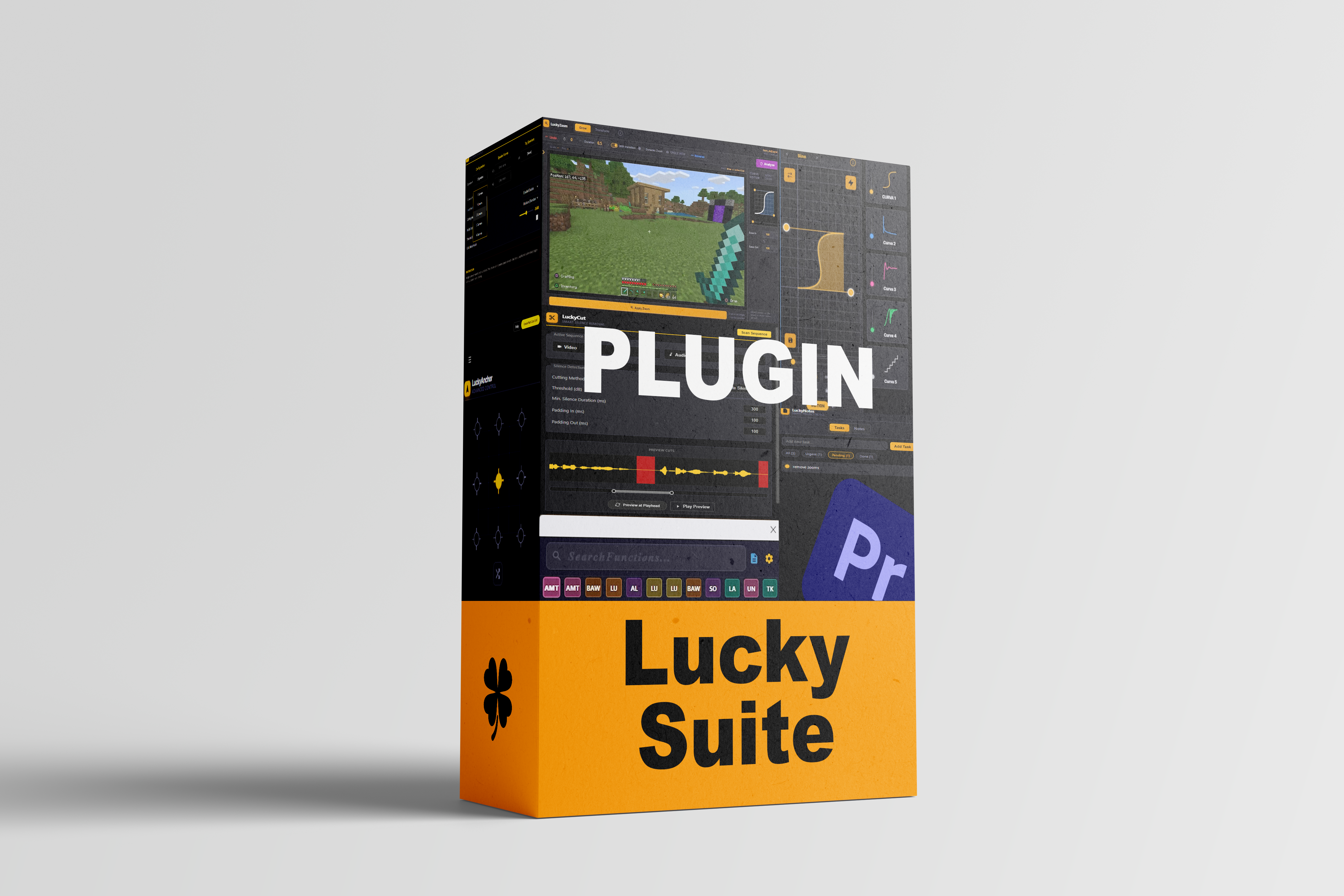
LuckyTools is an all-in-one premium plugin for Adobe Premiere Pro, packing multiple integrated panels designed to automate tedious tasks, streamline your workflow, and let you focus on what really matters: your creativity. Everything is a shortcut away ⚡
Limited Time Deal 9d 00h 00m
$230
$230
One-time payment. Perpetual access. 1 year of maintenance included.
Use code: BUSCOEDITOR to get this deal!
Premiere Pro 2026+
Windows
+9k
By Editors. For Editors.
Supported by Busco Editor
Premium editing
plugin. All-in-one.
Make your videos impossible to ignore. LuckyTools automates tedious tasks in Premiere Pro so you can focus on creativity.

Community proof
Built with editors. Proven in real workflows.
Honest feedback and community videos from editors using LuckyTools in real projects.
Workflow · Speed
LuckySearch: Your Central Hub
Clear, Complete Results
Recent and favorite effects now display their complete names without abbreviations. Up to 10 quick items stay easy to identify and launch without confusion.
Smart Navigation & Multi-Language
Search in Spanish even if Premiere is in English. Results are organized into Collapsible Categories that stay hidden by default to save space, but expand instantly to reveal all your assets.
Surgical Pinning & Hot-Buttons
Mark any tool with a star to build your toolbox. Your favorites and recently used items are transformed into one-tap persistent buttons at the bottom for instant application without typing.
Integrated Curve Preview
Visualize the mathematics of your motion. See your animation curves directly within the search bar before applying them. Precision control without guesswork, keeping your focus entirely on the timeline.
Zero-Lag Performance Engine
Experience search-as-you-type response times. Real-time preset reading and tool indexing with absolutely zero lag. Built for editors who need their tools to move at the speed of thought.
Critical Note on Presets
Due to current Adobe API limitations, custom interpolation curves cannot be preserved during programmatic application. Manual easing adjustments may be needed.
Speed
Favs
Multi
Control · Power
LuckyShortcuts: Turbo Hotkeys
1 Action Per Key Only (NO MACROS)
LuckyShortcuts does NOT support multi-step automation. It only applies one single tool per shortcut to keep your workflow fast and 100% stable.
Direct 1-to-1 Mapping
Assign any preset, transition, or effect directly to your keyboard. Use the built-in search hub to find and map actions in seconds, creating a custom ecosystem at your fingertips.
Global Stability Protocol
Engineered for absolute reliability. By focusing on robust 1-to-1 commands instead of complex macros, we ensure a system that never fails or conflicts with your host.
High-Performance Response
Experience fast execution times. Our optimized engine is designed to minimize the delay between your keypress and the action in Premiere Pro, keeping your creative flow smooth.
Fast
Custom
Stable
Assets · Management
LuckyOrganize: Structure Folders
Logical Auto-Sorting
Instantly generate folder structures and auto-sort your media and sequences based on predefined logical patterns. Keep your project bins perfectly organized without manual effort.
Surgical Project Management
Manages items exclusively within the Project panel. It does not move or import files on your PC, and it doesn't import anything to your timeline either. Pure, safe bin organization.
Streamlined Configuration
Intentionally simple setup: set a folder, name, color, and text filter. No overwhelming menus or complex settings, just a clean and efficient structure for your workspace.
Auto-Sort
Colors
Filters
Focus · Precision
LuckyZoom: Surgical Framing
Grow Mode PRIMARY
Grow is a native Premiere Pro effect introduced in recent versions — and it’s a game-changer. It uses Premiere’s own keyframe handles and velocity curves to generate buttery-smooth, mathematically perfect zooms. LuckyZoom harnesses it to the fullest.
Visual Curve Editor: Adjust exactly how your zoom starts and ends. Control Influence In/Out with a real-time preview ball below the graph.
Transform Mode SECONDARY
A lightweight alternative for when you need quick, simple zooms. Transform mode works directly with Premiere’s standard Transform effect — great for fast adjustments. Can be linked to LuckyCurves to apply organic motion, using keyframes to simulate complex curves.
Dynamic Zoom — A→B Framing
Define a start point (A) and an end point (B) anywhere in the frame. LuckyZoom smoothly animates between them — zoom-in, zoom-out, or lateral reframe — with frame-perfect precision every time.
Free Aspect — Deform Mode
Break free from 16:9. Hold Shift while zooming to deform the frame independently on both axes — stretch, squash, or skew your shot without any aspect ratio constraints.
Eagle View
Zoom from a wider perspective of the frame. Eagle View lets you set zoom targets from a pulled-back vantage point — perfect for contextual reframing when you need to see the big picture before locking your shot.
Intelligent Preview Navigation
Navigate your preview exactly like Premiere Pro. Use your mouse scroll wheel to zoom into specific areas for surgical precision. Built-in scroll bars appear when expanded, giving you total control over your framing.
Grow Mode
Transform Mode
A→B Framing
Free Aspect
Eagle View
Scroll Zoom
Editing · Speed
LuckyCut: Rapid Splicing
High-Speed dB Detection
Cut hours of silence in seconds. Our engine is lightyears faster than AI tools by focusing on audio levels, avoiding heavy CPU overhead and keeping your timeline fluid.
Zero-Cloud Local Engine
No AI, No Servers. LuckyCut processes everything locally on your hardware. Absolute privacy and maximum speed that scales with your PC's power.
dB Detection
Speed
Local
Audio · Multicam
LuckyPod: Multicam Switcher
Intelligent Audio Analysis
Automate your podcast and interview edits. LuckyPod analyzes audio signals to automatically cut and switch between cameras, generating a complete multicam assembly in a single click.
Private Hardware Processing
No AI, No Servers. LuckyPod processes everything locally on your machine. Absolute privacy and speed that leverages the full power of your PC's specifications.
Audio
Auto-Switch
One-Click
Workflow · Organization
LuckyNotes: Intelligent Timeline
Visual Task Management
Keep your workflow organized with a visual task system integrated into Premiere. Customize text, set statuses, and track your progress without leaving the panel.
Clipboard Image Integration
Easily copy and paste images directly from your clipboard into your notes. Perfect for visual references, storyboards, or quick feedback snapshots.
Markerless Navigation
Click any timestamp to instantly move the playhead. Pure navigation without cluttering your timeline with markers. Navigation made fast and surgical.
Tasks
Paste
Sync
Animation · Precision
LuckyCurves: Perfect Dynamics
Velocity Graph Engine
Take absolute control over speed dynamics and buttery-smooth easing curves. Shape acceleration and deceleration without losing temporal flow.
Value Graph Engine
Surgical control over spatial interpolation. Fine-tune values beyond their natural range for organic, non-linear motion.
Squash & Stretch (Deform)
Procedural physics-based deformation. Inject weight and inertia by adjusting scale and position from animation velocity.
Velocity
Value
Elastic
Bounce
Step
Deform
New Curve Families
Elastic Curves
Overshoot and recoil with spring-like energy, perfect for snappy UI moves, punchy zooms, and reactive impacts.
Bounce Curves
Create weighted landings with diminishing rebounds, built for drops, pop-ins, and playful physical timing.
Step Curves
Hold values and jump cleanly between states for robotic timing, stop-motion accents, and precise graphic beats.
Direction Controls
Precision · Layout
LuckyAnchor: Surgical Control
25-Point Precision Grid
Surgical alignment of the anchor point across a localized grid. Instantly snap to centers, corners, or edges with mathematical exactness.
Dual Engine Support
Full compatibility with both native Motion and Transform effect properties. Pivot correctly regardless of your effect stack.
Real-Time Synchronization
Instant updates that reflect anchor changes in the viewport without delay, ensuring a seamless visual feedback loop.
Custom Pixel Offsets
Fine-tune the anchor position with exact coordinate control for pixel-perfect framing and specialized motion layouts.
Grid
Dual
Sync
New releases
Premium Templates
Powerful, ready-to-use tools for Premiere Pro.

Cover
Premiere Pro Template
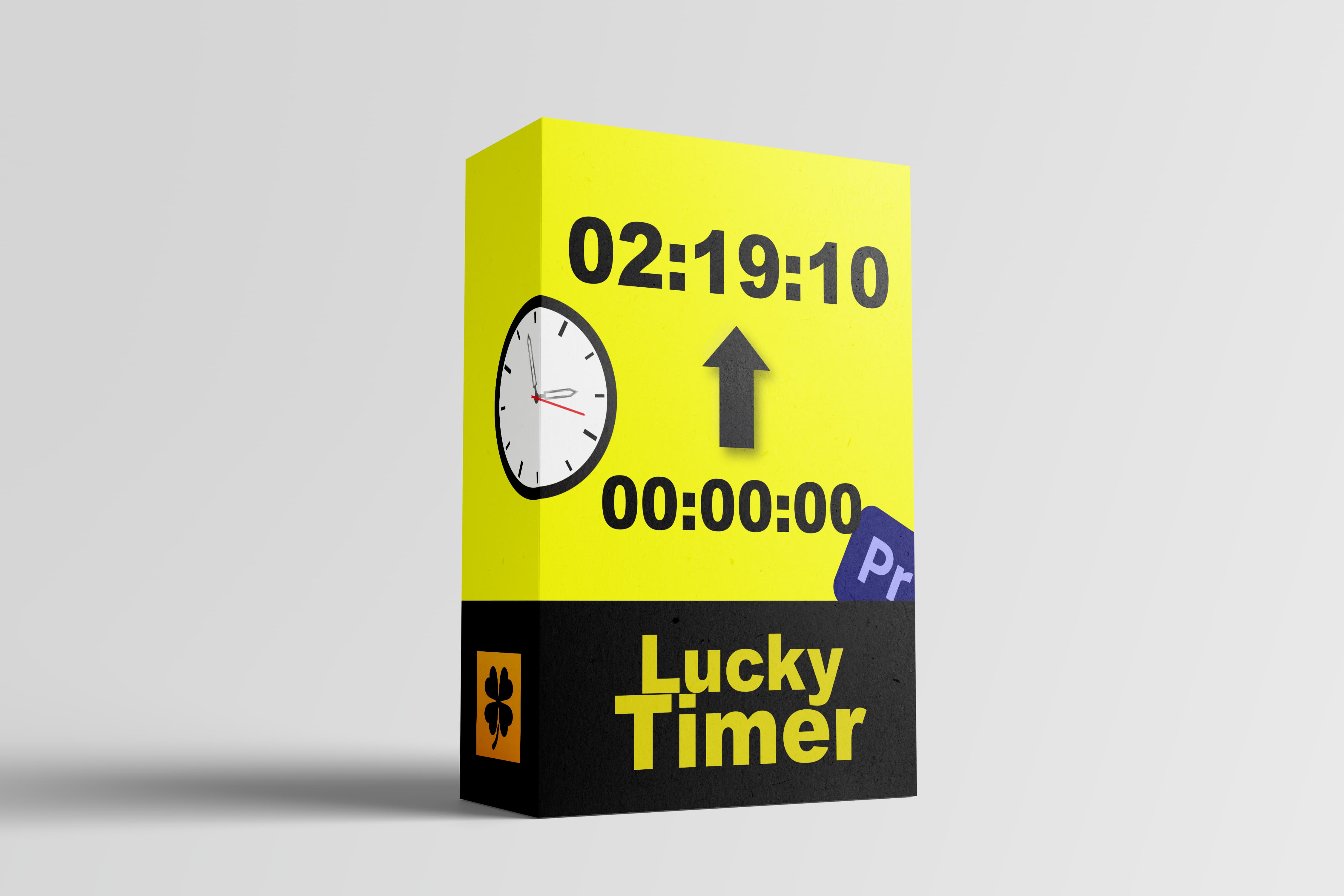
Lucky Counter
Cover
Premiere Pro Template
Customer reviews
Rating distribution
Feedback collected from editors who have tested LuckyTools in real workflows.
I've been using the transition shortcuts since the first builds and they've saved my skin on many quick deliveries. It's not 100% perfect yet, but the potential here is insane. You're gaining real life time, highly recommended.
We've seen top editors in the community push LuckyTools hard to meet their deadlines. It is an investment that pays for itself if you value your time and peace of mind.
I know we do not have macros here, which is a bit of a drawback, but for everyday work it is more than enough. Keyframe control is a thousand times smoother than Premiere's native tools.
The Anchor Point tool is surgical; there is nothing else like it. Unnest already processes clips in batches, though it still does not feel as fast as I would like. At least the project clearly feels alive, and feedback is always close at hand in the Busco Editor community.
A total change for my workflow. It is a little inconvenient that LuckySearch has no undo button, but the time I save is incredible. —Looking forward to v2.0!
LuckyTools makes it much easier to build zooms and repetitive cuts in Premiere Pro, saving time on manual adjustments and helping editors move faster when deadlines are tight.
It is the most complete plugin I have tried. It has strong potential and can revolutionize the workflow in terms of time, quality, and quantity. I am proud to have contributed to the development of this plugin.
I've been with LuckyTools since its earliest versions, and the steady evolution shows. It is a well-designed tool for editors who want to save time and keep a more organized workflow.
I've been using the transition shortcuts since the first builds and they've saved my skin on many quick deliveries. It's not 100% perfect yet, but the potential here is insane. You're gaining real life time, highly recommended.
We've seen top editors in the community push LuckyTools hard to meet their deadlines. It is an investment that pays for itself if you value your time and peace of mind.
I know we do not have macros here, which is a bit of a drawback, but for everyday work it is more than enough. Keyframe control is a thousand times smoother than Premiere's native tools.
The Anchor Point tool is surgical; there is nothing else like it. Unnest already processes clips in batches, though it still does not feel as fast as I would like. At least the project clearly feels alive, and feedback is always close at hand in the Busco Editor community.
A total change for my workflow. It is a little inconvenient that LuckySearch has no undo button, but the time I save is incredible. —Looking forward to v2.0!
LuckyTools makes it much easier to build zooms and repetitive cuts in Premiere Pro, saving time on manual adjustments and helping editors move faster when deadlines are tight.
It is the most complete plugin I have tried. It has strong potential and can revolutionize the workflow in terms of time, quality, and quantity. I am proud to have contributed to the development of this plugin.
I've been with LuckyTools since its earliest versions, and the steady evolution shows. It is a well-designed tool for editors who want to save time and keep a more organized workflow.